A QR code for each room
Add exam rooms, procedure rooms, restrooms, and the waiting area as areas of the building. Each area gets its own code, so every report names the room it's for.
Give each exam room, restroom, and waiting area its own QR code. The cleaner scans it, works through that room's checklist with the practice's instructions on it, and submits. Supervisors inspect the same rooms, and the office manager sees the results in a portal.
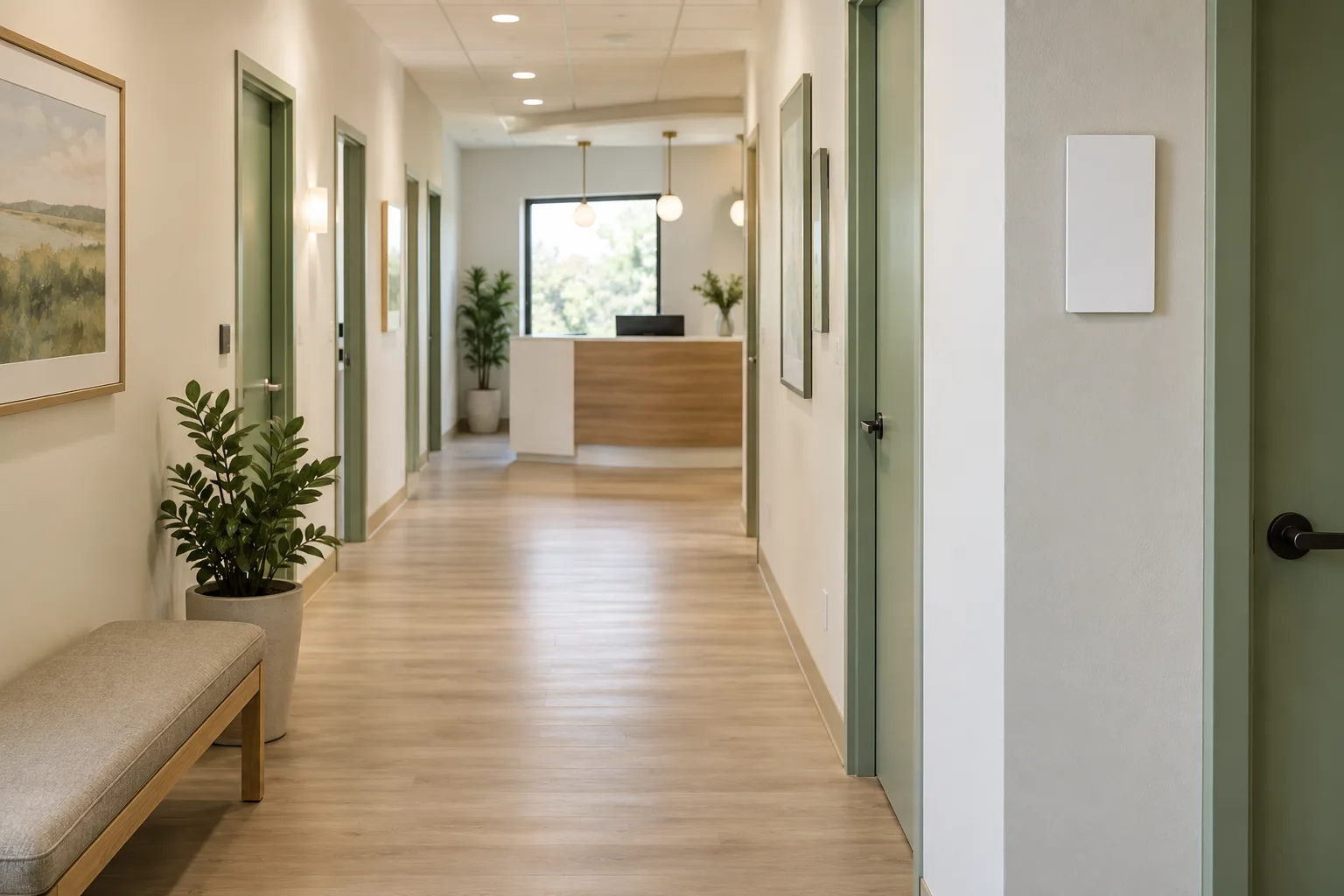

This office example shows how a scope becomes a checklist. Medical practices provide their own room-specific requirements; this is not compliance certification.
Floor 2 · Common areas
Tonight’s agreed tasks
Without a scope, a short question form replaces the task checklist.
Sample report. No login or location requested. In the app, attaching photos requires sign-in.
Try the form to turn the details on the left into an example service report.
This is an example confirmation. Nothing was sent or saved to a JanGuard account.
Make the agreed work visible, room by room.
Add exam rooms, procedure rooms, restrooms, and the waiting area as areas of the building. Each area gets its own code, so every report names the room it's for.
Write the client's instructions into the scope of work, including the products they want used. Cleaners see them under each task after they scan in.
Mark the items the practice cares about most as critical. With critical auto-fail on, one failed critical item drops the inspection score to zero.
Inspectors add photos to any item. Cleaners who sign in attach photos to their reports, and a checklist task can require one.
A visit with no report by its deadline is marked missed, and your team gets an email. The missed-cleaning digest keeps it in front of you until someone resolves it.
The practice sees completed and missed visits, service reports, and inspection scores for its own offices, and opens tickets with due times.
Every practice has its own way of doing things, and it decides which products go where. Build the scope of work room by room and write those instructions into each task. Mark the tasks that need a photo or the cleaner's initials. Scanning a room's code opens its checklist with the instructions under each task. Then generate an inspection from the same scope, so supervisors check what the client asked for.
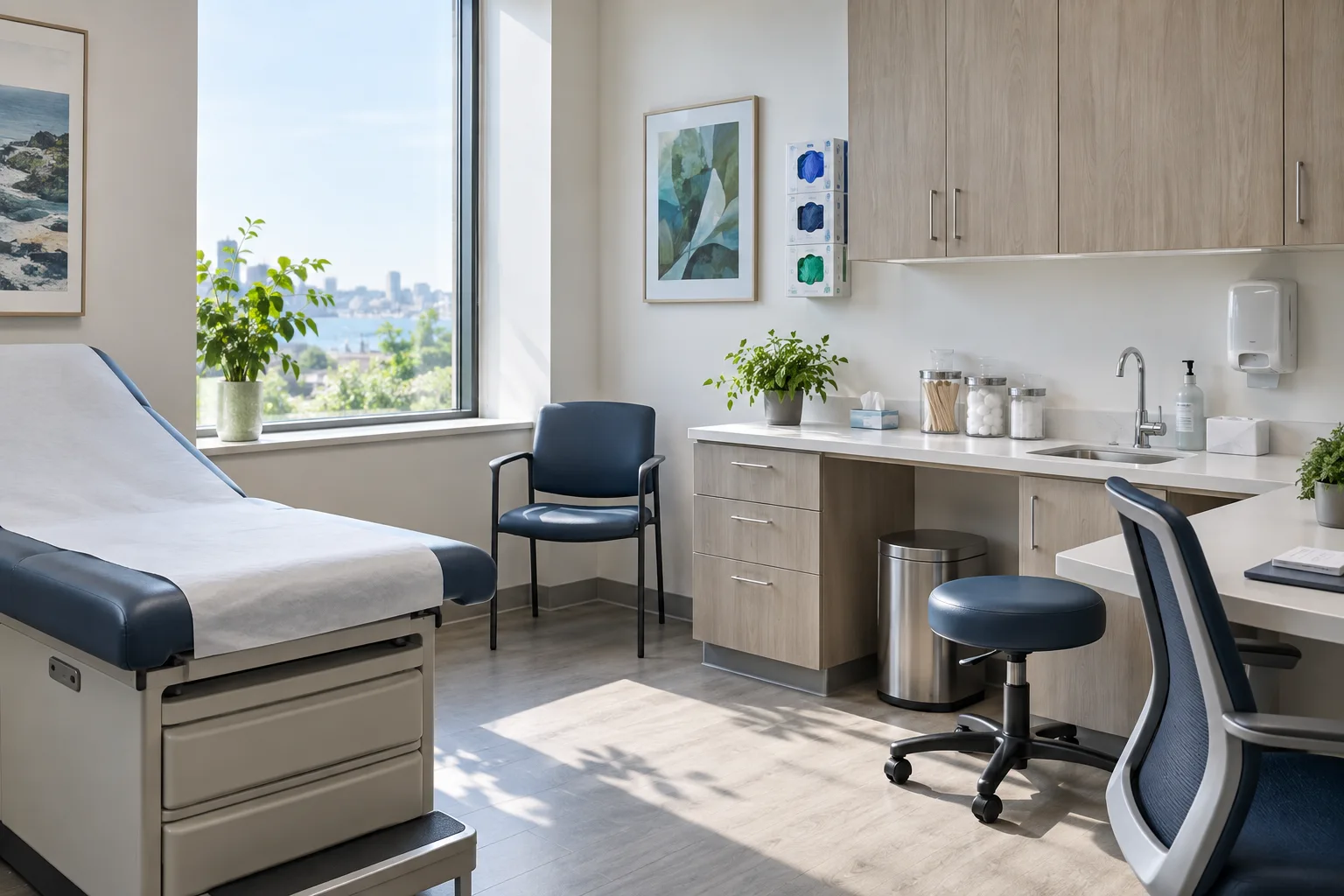
Build an inspection template with a section for each kind of room. Mark the items that matter most to the client as critical, and turn on critical auto-fail so one failed critical item zeroes the score. Inspectors score each item on their phone and add photos. Failed items become deficiencies that stay open until someone fixes them, and the office manager reads the results in the portal.

Set each office's service window for the evening, including overnight windows like 7 PM to 1 AM. Workers clock in from the phone's browser. Once a worker agrees to share location, JanGuard records where each clock-in happened. With the time clock open, it clocks them in when they arrive inside the building's boundary. In their employee portal, workers see how to get into the building and each room's instructions.
No. Your client decides that, and you write it into the scope of work. Each task has room for instructions, and each area has a special instructions field. Cleaners see task instructions on the checklist after they scan in, and workers see each area's instructions in their employee portal.
Yes. Add each exam room as an area of the building. Each area gets its own QR code, so a report shows which room it came from. Print the codes one at a time, or export codes for every room in every office at once.
No. Scanning a code opens the report in the phone's browser, and cleaners can submit it without a JanGuard login. Attaching photos requires signing in.
Completed and missed visits, the service reports your team publishes, inspection scores with any open deficiencies, and their own tickets. Service reports list each visit by date. You choose which portal sections each client sees.
Set up your buildings and crews, print your QR codes, and watch the first reports come in. 30-day free trial.