Utility facilities
Supporting the spaces behind essential local services.
Facilities across the United States rely on JanGuard to meet rising customer expectations. Easy access to vendor records, public issue reporting, and simple schedule management make everyday facility operations a breeze.
IONNA's facilities team sees the cleaning at its EV-charging sites across the US in one client portal.
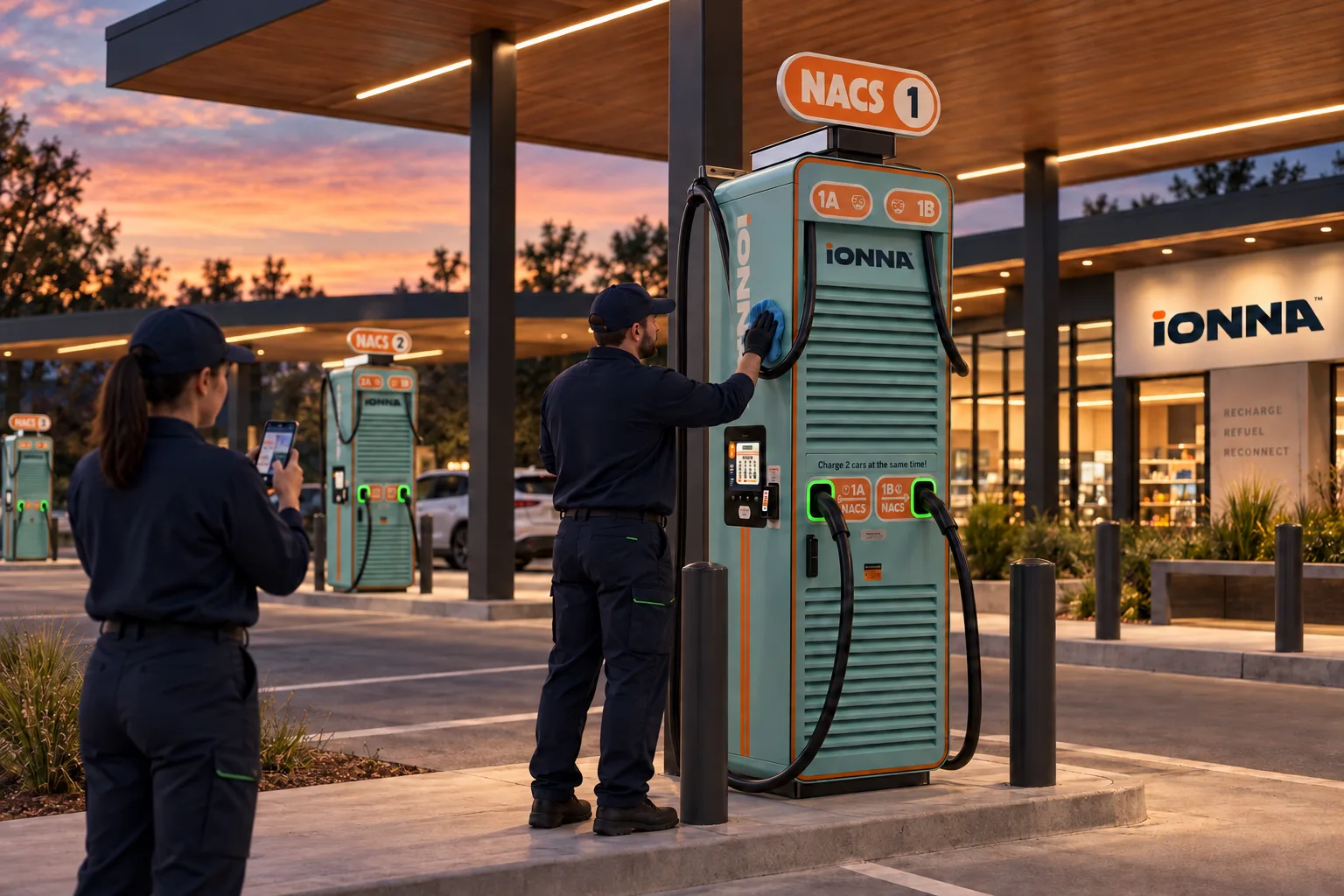
The local team completes the agreed cleaning, checks the shared spaces, and records anything that needs attention.
Explore the reporting workflowThe coordinating office can review the service record and follow up on a reported issue, with the location and visit kept together.
Explore the reporting workflowIONNA’s facilities team can check cleaning records across sites in its client portal, without piecing together separate local updates.
Explore client portalsAn illustrated workflow, not a customer performance claim. Example records are fictional; photographs in service reports require a signed-in user.
JAN-PRO regional offices coordinate cleaning for their franchisees' accounts in JanGuard, from schedules to franchisee statements.
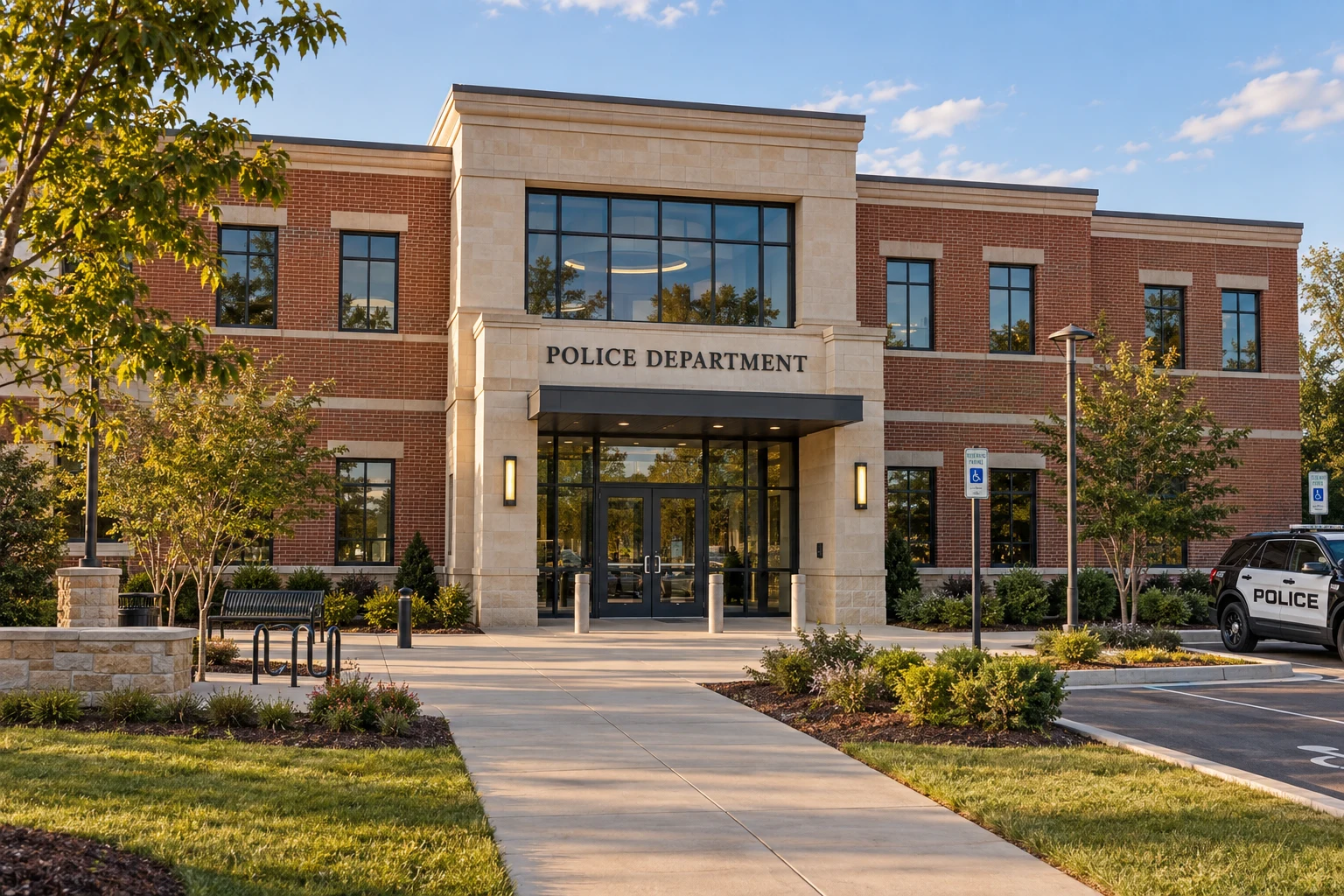
JanGuard is being used for a North Carolina township to help maintain its municipal buildings, including utility facilities, city hall, and police stations.
For a municipal account, every building has its own service needs. JanGuard gives the regional office and its franchisees a shared place to coordinate the work, report cleaning results, and raise issues that need attention.
Explore connected client reportingSupporting the spaces behind essential local services.
Caring for the spaces where residents and local government meet.
Keeping cleaning work connected to the needs of each facility.

Franchisees report what was cleaned and flag issues proactively. The regional office reviews those records, coordinates follow-up, and keeps the client conversation grounded in the work.
That same structure helps regional offices present a clear service plan when pursuing larger municipal accounts, hospital systems, and multi-site portfolios.
Explore larger account opportunitiesBring cleaning results and reported issues back to the office coordinating the account. A shared record gives the regional team context for its next conversation with the franchisee or client.
Three illustrative franchisee teams report their completed visits to a coordinating regional office.
Team B flags a damaged dispenser. The regional office reviews the issue and coordinates follow-up with the appropriate party.
Illustrative teams and account structure. No real records are created.
Keep the service record attached to the visit and location.
Give the regional office a useful description of what needs attention.
Review the record and coordinate the next action with context.
Use JanGuard to organize the opportunity, develop the scope, and explain the reporting model behind a larger account. The North Carolina township is a current use case; the hospital and commercial examples illustrate potential workflows.

Help a regional office organize a complex opportunity: capture the facilities and agreed requirements, prepare a scope and proposal, and plan who will deliver the work across locations.
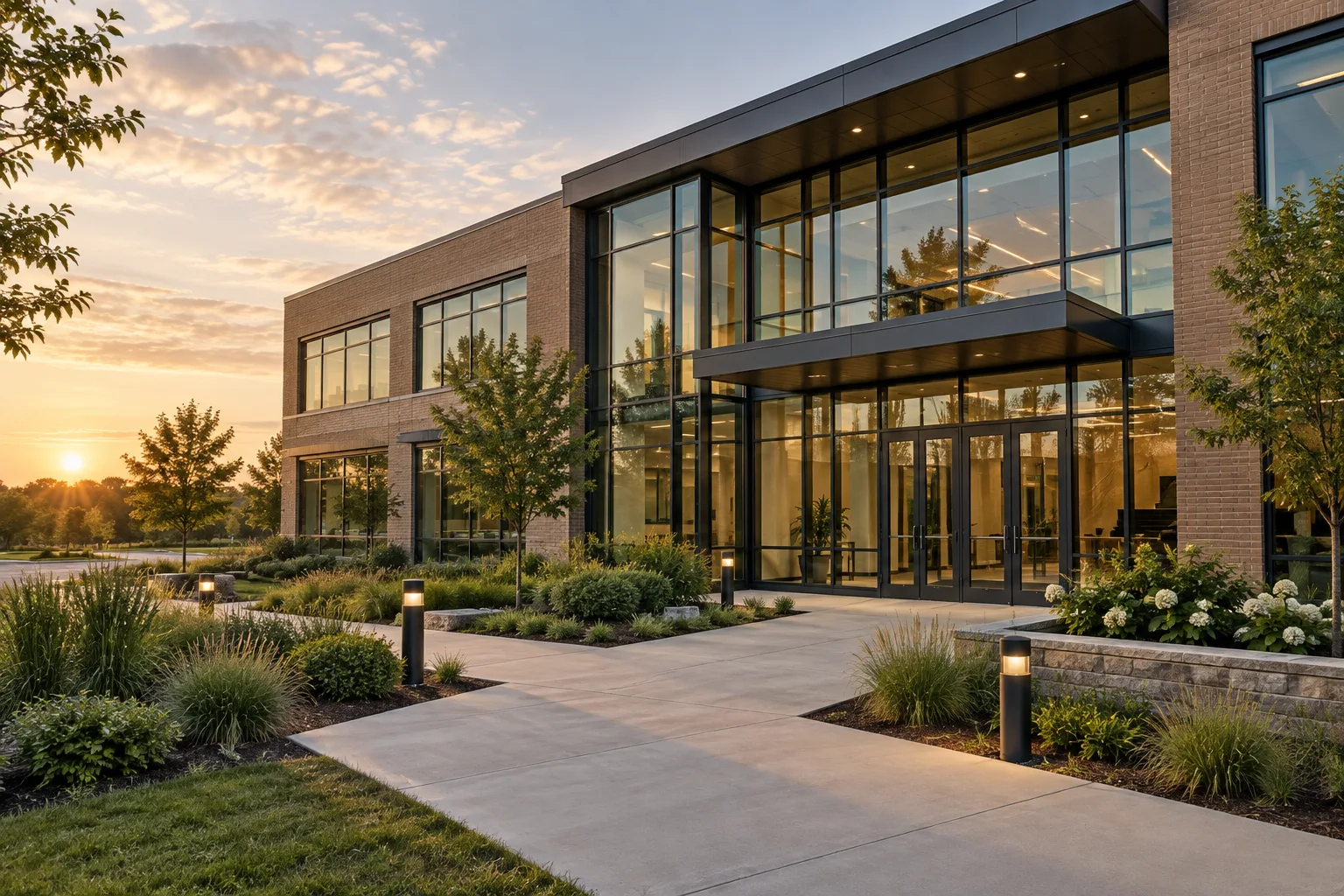
JanGuard is being used for a North Carolina township to help maintain its municipal buildings, including utility facilities, city hall, and police stations. A municipal account brings different buildings and service requirements into one coordinated view.

Connect the sales conversation to the way the work will run. The regional office can organize the opportunity, while the proposed service model explains how local teams report back.
Set up your buildings and crews, print your QR codes, and watch the first reports come in. 30-day free trial.